Get the pickup details once.
Record the flight, luggage, child seats and meeting point against the booking. Your dispatcher can see what the passenger asked for.
Explore the software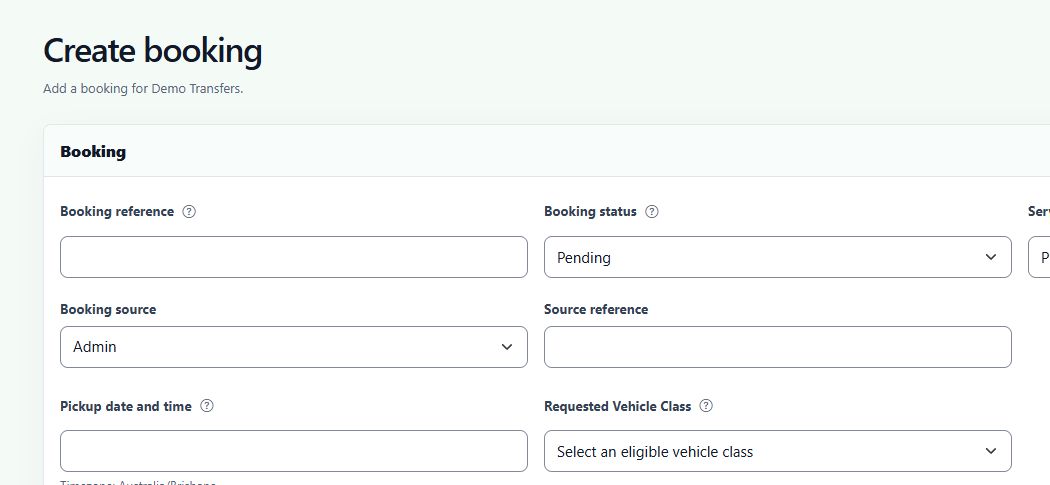


Booking and dispatch software for private transfer operators. Take the booking, check the payment and put a driver on the job.
One booking follows the passenger from your website to the driver’s run sheet.
Record the flight, luggage, child seats and meeting point against the booking. Your dispatcher can see what the passenger asked for.
Explore the softwareReview unassigned transfers beside the vehicle timeline. Check the gap between jobs before you allocate a driver.
Explore dispatch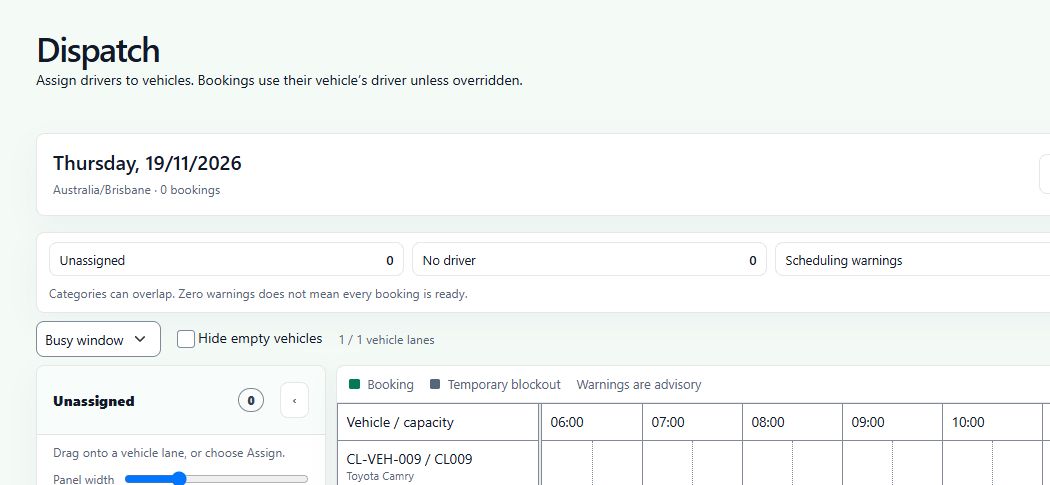
Your Stripe connection and booking form settings determine how passengers pay. The operator can follow up a booking that still needs attention.
Discuss payment setupExample booking
Operator guides
A delayed flight or a different pickup point can change the rest of the day. These guides cover what to check and who to tell.
Handle a flight delay ↗Manage a booking change ↗Browse all operator guides →We’ll walk through the passenger form, your rates and the dispatch decisions for a trip you know.